

SEO content optimization tools help a team improve a draft, plan its coverage, or run publishing checks; they do not establish whether a page is useful or guarantee rankings. For SMBs, ecommerce teams, agencies, and companies publishing across markets, the six options below cover those connected but distinct jobs. The right choice depends on where work gets stuck: deciding what to publish, turning research into a draft, reviewing an existing page, or checking it in the CMS.
I compare each tool on four practical criteria: its primary workflow, the kind of team bottleneck it may address, the effort needed to fit it into an editorial process, and its commercial model. These are product-positioning comparisons, not claims of hands-on testing. Use vendor pages to confirm current capabilities and terms before making a purchase. Treat suggested terms and scores as prompts for editorial review, not targets to satisfy mechanically.
That distinction matters for a local service page as much as an ecommerce category page or an agency client brief. A recommendation to add a topic is useful only if it helps the intended reader. Google’s helpful content guidance offers a useful editorial check: prioritize helpful, reliable, people-first content rather than writing to a software score.
1. Surfer

Workflow: optimize while drafting
Surfer is a candidate when the immediate job is to work on a page draft with optimization guidance nearby. Its official Content Editor page describes that draft-centered product workflow. For example, a writer revising an ecommerce buying guide could use the editor’s recommendations to inspect whether important reader questions or sections are missing, then decide whether each gap belongs in the page.
The useful mechanism is proximity: the writer can consider recommendations during drafting rather than receiving a separate checklist after the copy is nearly finished. That can make review more concrete, but it does not settle factual accuracy, product claims, or whether a suggested section serves the reader. A subject-matter reviewer still needs to check those points.
Fit and trade-offs
- Best for: writers and editors who want optimization guidance alongside draft work.
- Does not suit: teams whose first problem is choosing topics across a large content inventory.
- Standout: the draft-focused workflow described on its Content Editor page.
Implementation burden: low to moderate for a writer working directly in the editor; higher if briefs, approvals, and CMS publishing happen elsewhere and need a defined handoff. Surfer is commercial software; confirm the current plan and access terms for the intended team. It is less useful if nobody has time to review suggestions or make the edits they identify.
2. Clearscope

Workflow: review topic coverage
Clearscope is worth considering when an editor wants a structured way to review a page’s coverage of a subject. Its official site identifies it as a content optimization product. In a practical editorial process, the team can begin with the query and reader need, inspect the tool’s report, and then decide whether an apparent content gap warrants a revision. The report is an input to that decision, not a complete brief or an instruction to include every term.
For an agency, this kind of review can give a writer and editor a shared reference when discussing a client page. The limitation is that a report cannot supply the client’s product knowledge or resolve contradictory information on its own. Teams should establish who checks recommendations against the brief, source material, and business context.
Fit and trade-offs
- Best for: editors who want a repeatable, report-led review of individual pages.
- Does not suit: teams mainly seeking a technical site audit or a WordPress publishing plugin.
- Standout: a focused content-review role that can be added to an editorial checklist.
Implementation burden: moderate if several people need to turn reports into briefs, revisions, and approvals. Clearscope is a commercial product; check the current pricing and included workflows before selecting it. It may add little value to a team that has no review step or that cannot act on identified gaps.
3. MarketMuse

Workflow: plan before a draft exists
MarketMuse is a potential fit when the bottleneck begins before writing: deciding which subjects deserve attention and what a page should cover. Its official site presents the product as a content planning and optimization platform. That makes it a different kind of choice from a tool used mainly to check one finished draft.
Consider a company with many service pages and limited editorial capacity. A content lead first needs to identify a useful page or topic, then define the audience, purpose, and evidence required for it. A planning workflow can support that upstream work, but the team still has to set priorities and assign owners. Without those decisions, a list of possible topics can become another backlog rather than a publishing plan.
Fit and trade-offs
- Best for: content leads who need topic planning and page work to connect.
- Does not suit: a solo editor looking only for a quick check on one nearly finished article.
- Standout: its planning-oriented role in a workflow that starts before drafting.
Implementation burden: moderate to high if the team must establish topic priorities, ownership, and a route from planning to publication. MarketMuse is commercial software; verify current pricing, access, and capabilities on its official site. If the team publishes infrequently and has no capacity to act on planning recommendations, a broader planning workflow may be more than it needs.
4. Frase
Workflow: connect research, briefs, and drafting
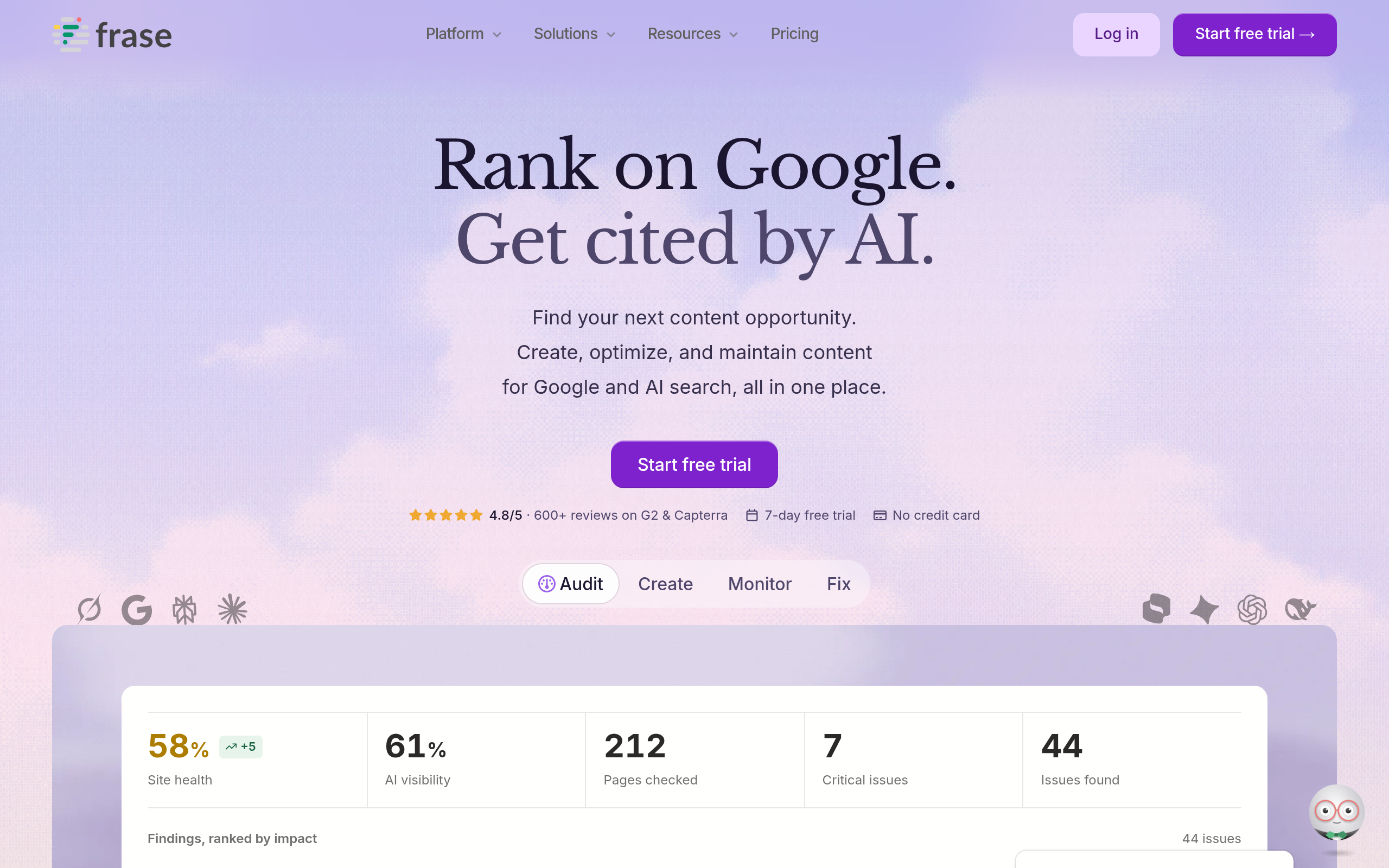
Frase is an option for teams looking to connect content research with briefing and draft preparation. Its official site describes the product and its content workflow. This role can matter when research and writing are split between people: a researcher may gather useful observations, but the writer still needs a clear audience, page purpose, and set of questions to answer.
For an agency brief, start by defining the client’s intended reader and what the page needs to help that person do. Then use research to inform the brief, rather than treating search-result coverage as a substitute for client knowledge. The writer should still make a judgment about which questions and explanations belong in the final piece. If a team uses suggested or AI-assisted copy, it also needs a clear review and fact-checking step.
Fit and trade-offs
- Best for: teams that want research and draft preparation to follow a connected process.
- Does not suit: publishers whose main need is a lightweight check inside their CMS.
- Standout: a workflow positioned around research, briefing, and content creation.
Implementation burden: moderate; agree who owns research, how it becomes a brief, and who approves the draft. Frase is commercial software, so check current plan details and feature availability. If your writers already receive clear, evidence-based briefs, its research workflow may not address the main production constraint.
5. Semrush SEO Writing Assistant

Workflow: review drafts within a broader SEO toolkit
Semrush SEO Writing Assistant is a draft-review option for teams also considering Semrush’s wider SEO software. The official product page describes the writing assistant; consult it for the current product scope. The practical comparison is not simply “which editor has more suggestions?” It is whether draft checks in a broader SEO environment fit the team better than a separate content-focused workflow.
For an agency already working in an SEO software environment, keeping draft review close to other SEO tasks may suit the team’s process. But access to a broader toolkit does not automatically solve a weak brief, unclear approval responsibilities, or missing subject expertise. Decide which writing checks the editorial team needs, and who will evaluate the recommendations before they reach a client or the CMS.
Fit and trade-offs
- Best for: teams evaluating Semrush that want to consider its writing assistant in that context.
- Does not suit: teams whose main need is a standalone topic-planning process.
- Standout: the option to assess draft review alongside a wider SEO software workflow.
Implementation burden: low to moderate if the team already has suitable access and an agreed review process; otherwise, permissions and adoption can add friction. It is commercial software, and the access required may depend on the current offering. Verify plan terms and supported workflows before deciding it is a better fit than a dedicated content editor.
6. Yoast SEO

Workflow: check pages in WordPress
Yoast SEO fills a different role: on-page checks within a WordPress publishing workflow. Its official WordPress SEO plugin page describes the product. For a small publisher, keeping routine page checks near the publishing process may make them easier to include before a page goes live. That does not make Yoast a substitute for researching a topic or preparing a detailed content brief.
The CMS requirement is a key selection constraint. A company publishing through another platform should not choose a WordPress plugin to solve a workflow it does not have. Even for a WordPress site, teams need to decide who handles edits and reviews page-level checks. For instance, an editor can verify that a page’s title and content reflect its purpose without treating plugin feedback as proof that the page meets a searcher’s needs.
Fit and trade-offs
- Best for: WordPress publishers who want routine checks close to page editing.
- Does not suit: non-WordPress teams or strategists seeking research-led topic planning.
- Standout: its fit with a WordPress publishing workflow.
Implementation burden: low for a WordPress site where the team can install and maintain the plugin, but it depends on CMS access and publishing permissions. The product page describes the plugin and its options; check current inclusions and terms there. If your content operation uses another CMS, treat that as a decisive limitation, not a minor preference.
Comparison
The tools address different points in content production, so compare them by the job you need done rather than by treating them as interchangeable score generators.
| Tool | Primary workflow | Useful when | Implementation burden | Commercial model |
|---|---|---|---|---|
| Surfer | Draft optimization | Writers want guidance during draft work | Low to moderate | Commercial software; verify current terms |
| Clearscope | Report-led content review | Editors need a structured page-review step | Moderate | Commercial product; verify current terms |
| MarketMuse | Topic planning and page work | Prioritization is part of the bottleneck | Moderate to high | Commercial software; verify current terms |
| Frase | Research, briefing, and drafting | Research handoffs slow production | Moderate | Commercial software; verify current terms |
| Semrush SEO Writing Assistant | Draft review in a wider SEO environment | The team is evaluating Semrush workflows | Low to moderate | Commercial software; verify required access |
| Yoast SEO | WordPress page checks | Checks need to fit WordPress publishing | Low on WordPress | Check current product options and terms |
How to choose the right tool for your content workflow
Start with the point where work actually stalls. A draft editor will not choose your content priorities; a planning platform will not ensure your final page is correct; and a CMS plugin will not repair a vague brief. Mapping the job first makes a trial more informative and reduces the chance of buying overlapping tools.
- Write down the bottleneck. Be specific: “writers miss customer questions in buying guides” is more actionable than “our content needs SEO.” If the issue is topic selection, evaluate planning. If it is draft revision, compare writing workflows. If routine publishing checks are missed, look at a tool compatible with your CMS.
- Use a representative page. Choose a real page with a known editorial weakness, such as unclear headings or unanswered customer questions. Give each tool the same page purpose and target reader. That makes it easier to judge whether a recommendation helps, rather than comparing unrelated scores from different tasks.
- Separate a useful prompt from an instruction. When a tool flags a missing topic, ask whether the reader needs that information and whether the business can support it with accurate evidence. Do not add material just to raise a score. Google’s SEO Starter Guide provides a broader baseline for making content accessible and understandable to search engines; optimization software supports, but does not replace, that work.
- Check who acts on the output. Name the person responsible for research, writing, subject review, approval, and CMS entry. If a tool creates a report but nobody owns the next edit, it may add a handoff without removing a bottleneck. Agencies should also establish how recommendations are explained to clients and checked against their business facts.
- Assess the process as well as the page. Note whether the tool helps produce a clearer brief, identify a defensible content gap, or complete a consistent publishing check. Keep rankings and conversions separate from the tool’s immediate output: many factors can affect those outcomes, so a change after editing does not by itself demonstrate causation.
- Confirm commercial and operational fit. Before committing, verify current pricing, plan limits, available capabilities, and user access on the vendor’s official site. Check whether the workflow fits your CMS and editorial permissions. This comparison is based on documented product positioning, not hands-on testing; evaluate the tool with your own content where a trial or demonstration is available.
For a small team, choose the simplest option that addresses the diagnosed job. Add a second tool only when it serves a distinct workflow: for example, a writing assistant does not necessarily replace a WordPress publishing check. If you are reviewing snippets, the site’s meta description length checker is a relevant focused resource; for internal-link review, see the internal link opportunity tool.
If the harder decision is how content work fits into broader organic search priorities, Mr Haq provides SEO strategy and consulting for businesses seeking to improve organic visibility. Consider outside strategic guidance when prioritization is the bottleneck, rather than adding software that your team is not ready to use.
Authored with NotFair SEO
